 Captured Clean
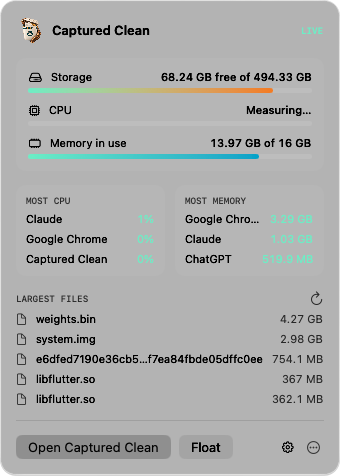
Menu bar panel
Free space, live CPU and memory, the busiest apps and your largest files. Click a file to reveal it in Finder.
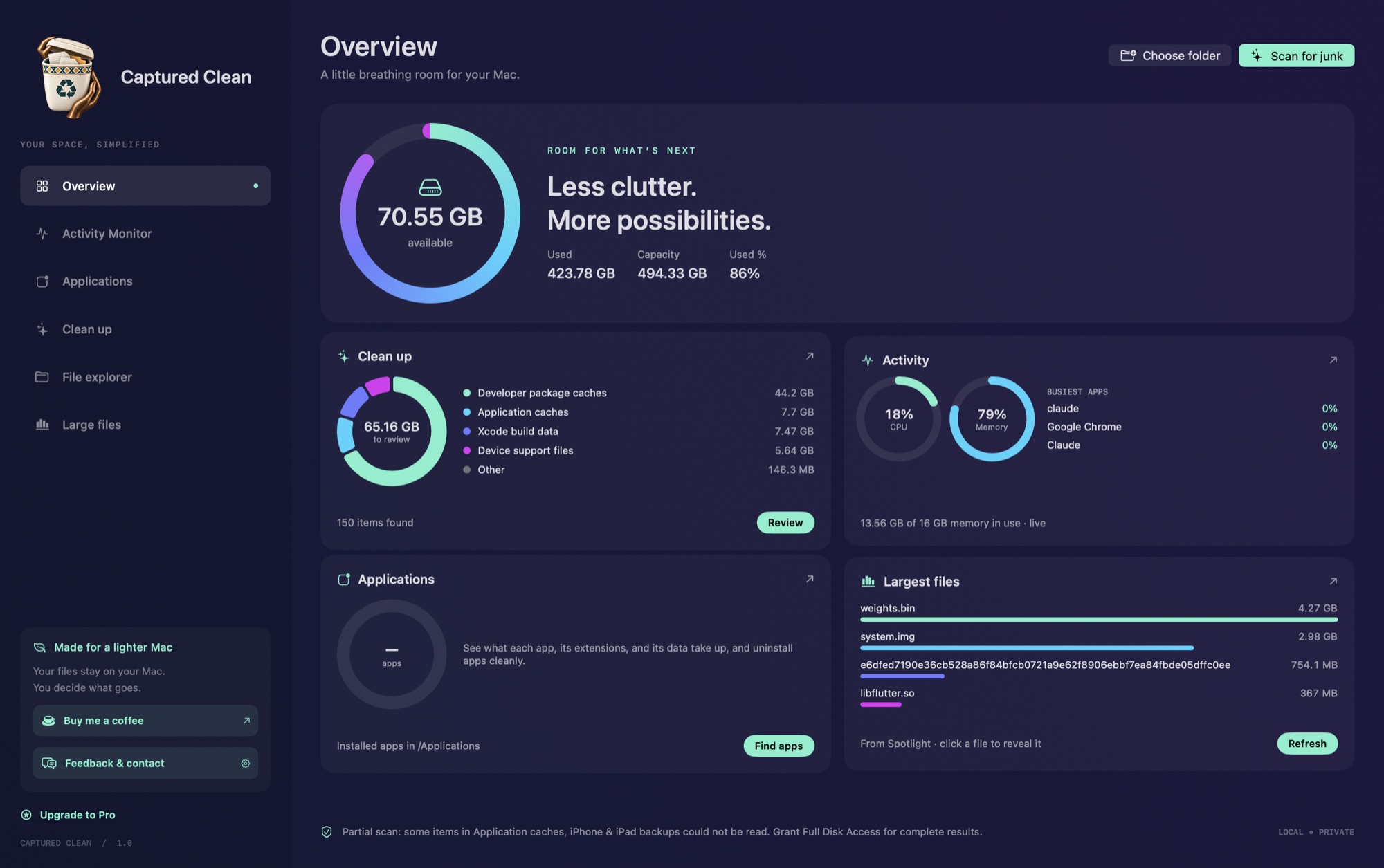
See what fills your disk, from Xcode caches to old installers, then choose exactly what goes.
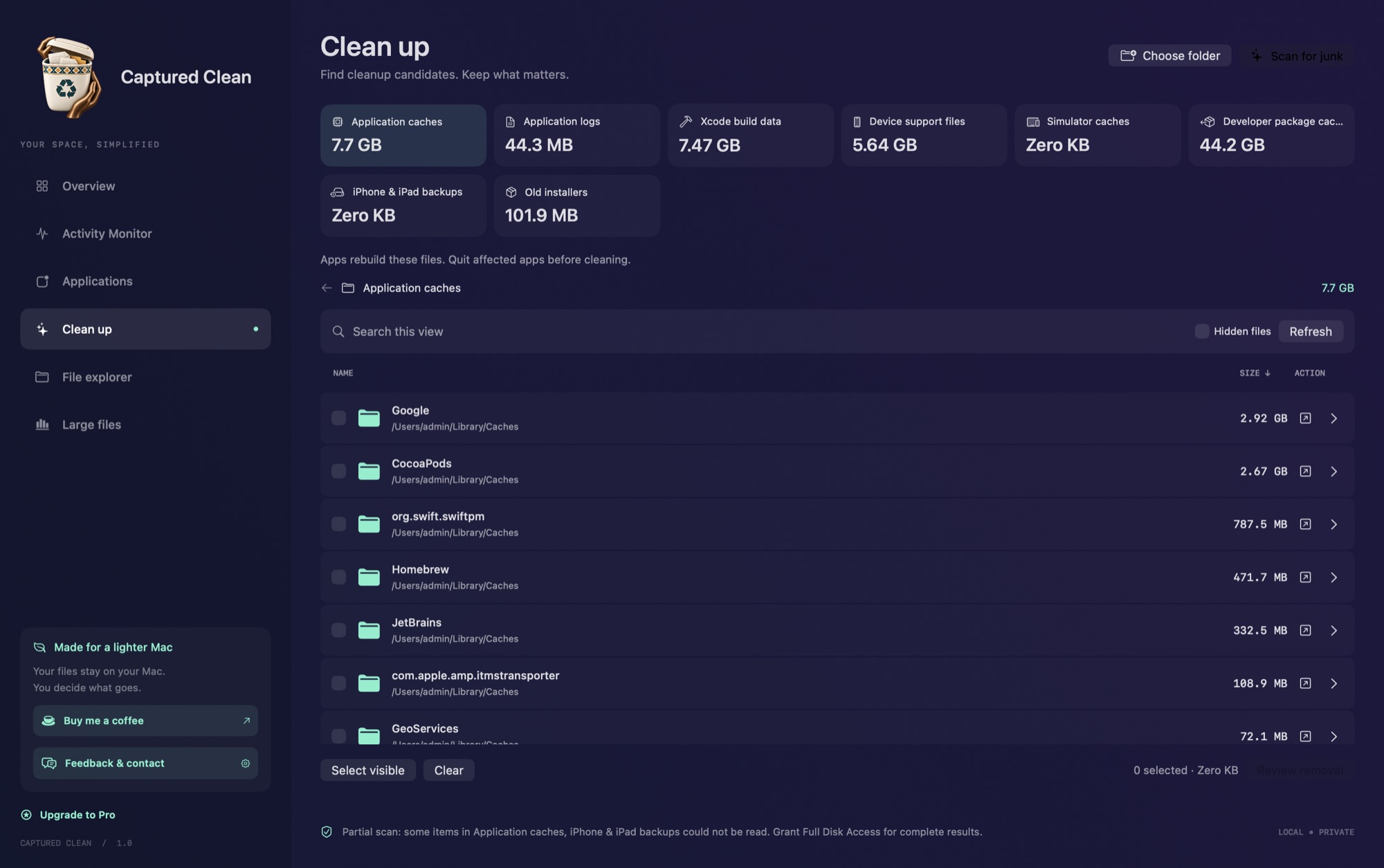
Finds the caches left behind by the tools you already use


Scan once and drill into any folder. Sizes match Finder's "on disk" figure, and results update as you clean.
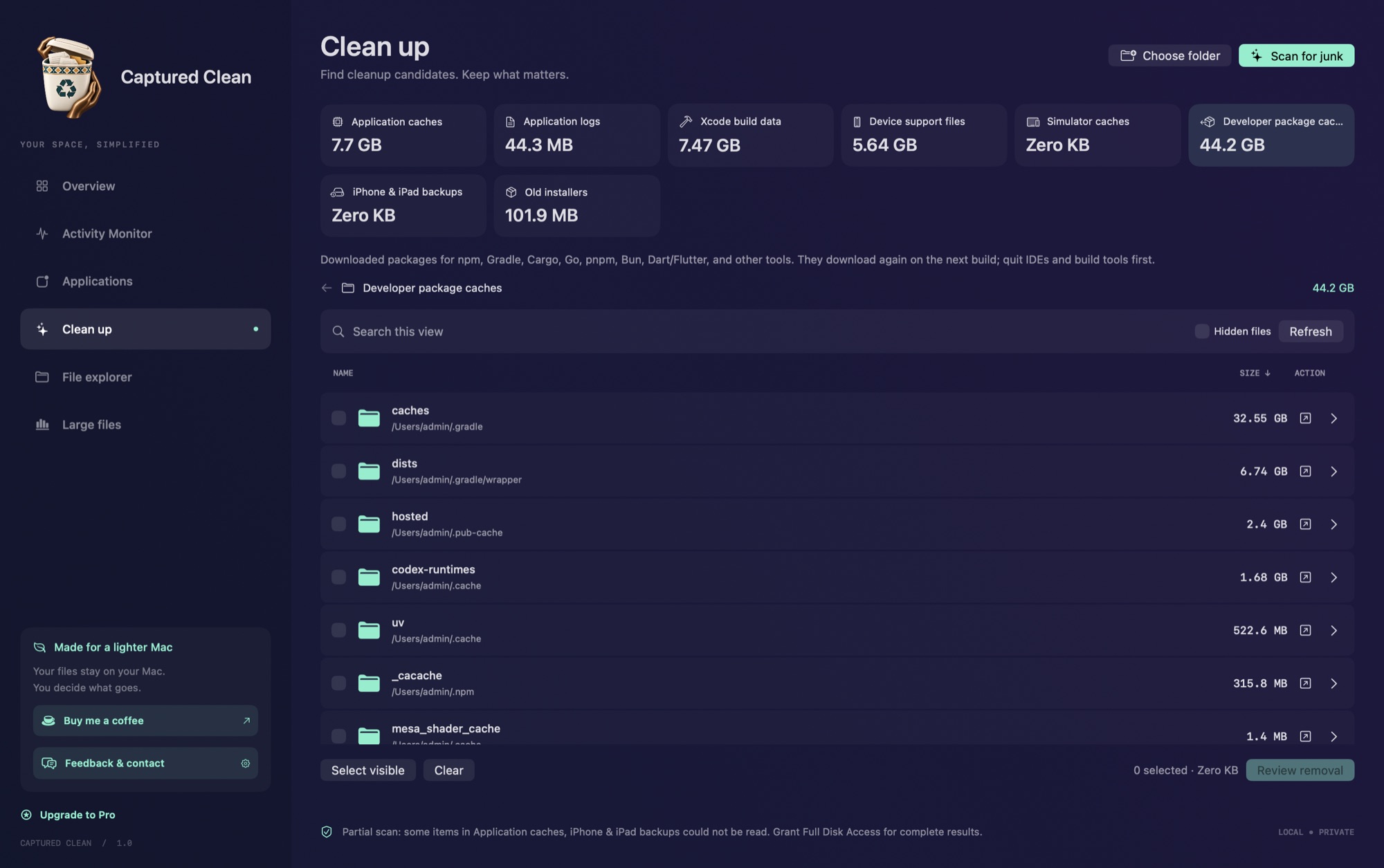
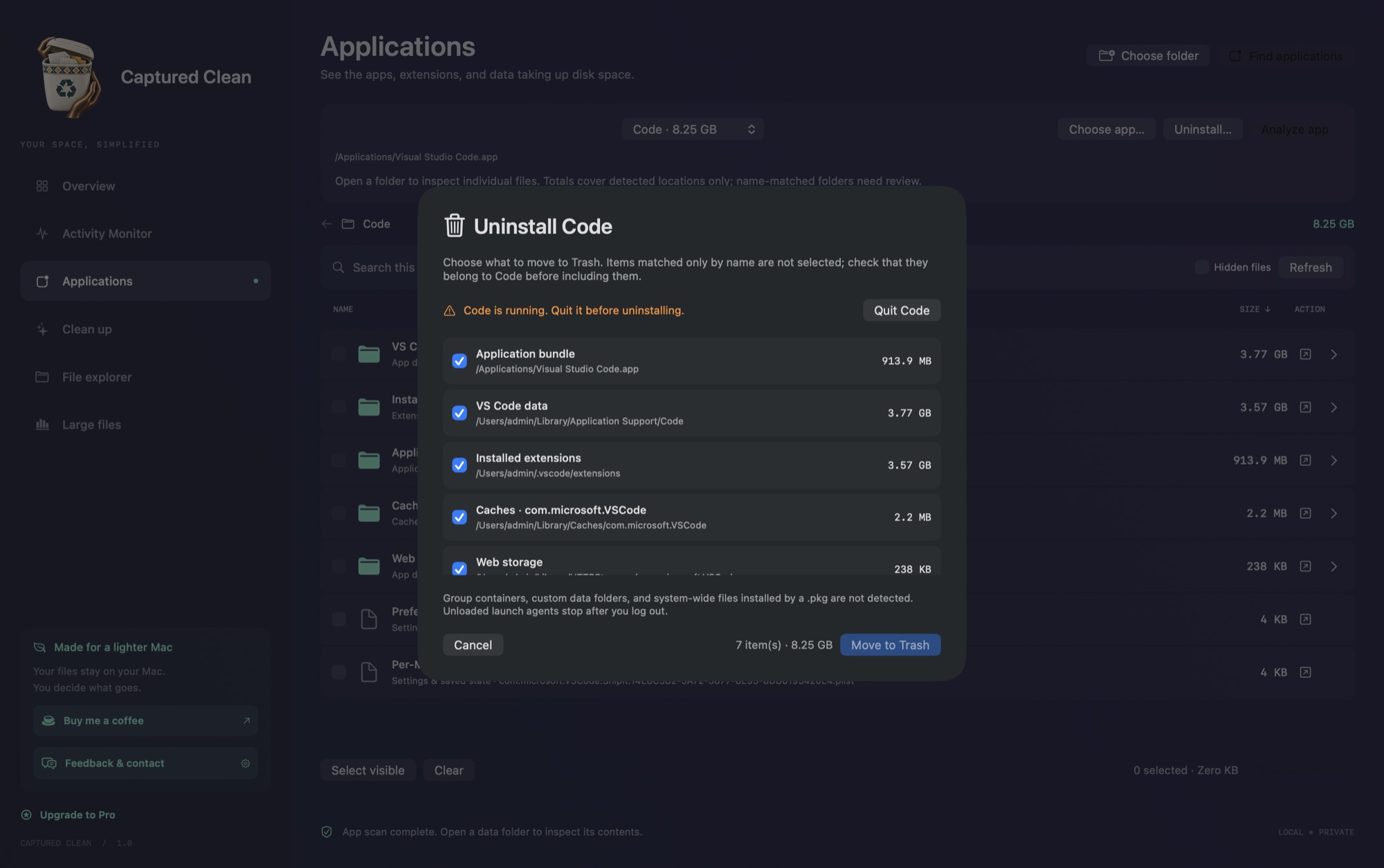
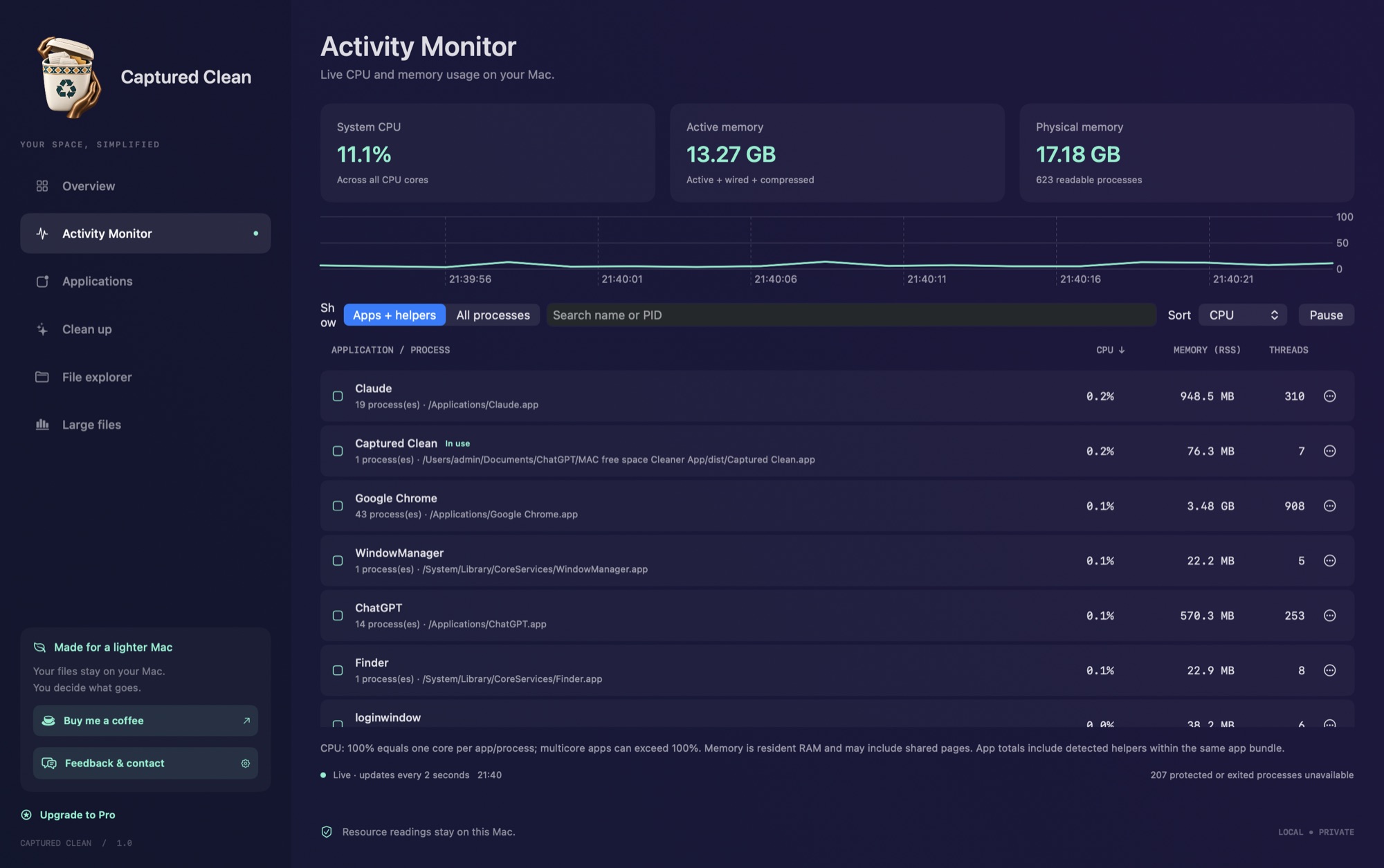
Real scan of a developer's MacBook. Your numbers will differ.
Captured Clean keeps watching from the menu bar after you close the window, and tells you before storage runs out.
Free space, live CPU and memory, the busiest apps and your largest files. Click a file to reveal it in Finder.
Stays above every window and Space, even full-screen apps. Drag it anywhere.
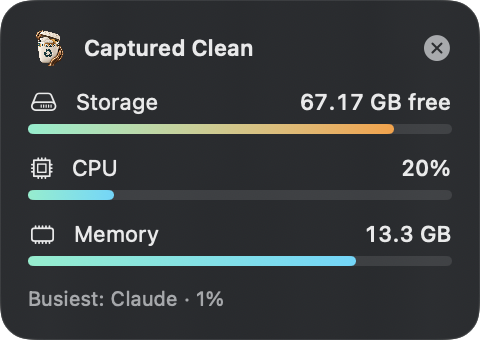
Get notified once when free space crosses your limit, not every minute it hovers there.
With 70 GB free, you're fine for now.
A full scan of caches, logs, build data and backups. Nothing is selected until you choose it.
Duplicates, near-identical shots, screenshots and big videos. Photos are compared on the iPhone and never uploaded.
Overview, Photos, Files and Device in 20 seconds.
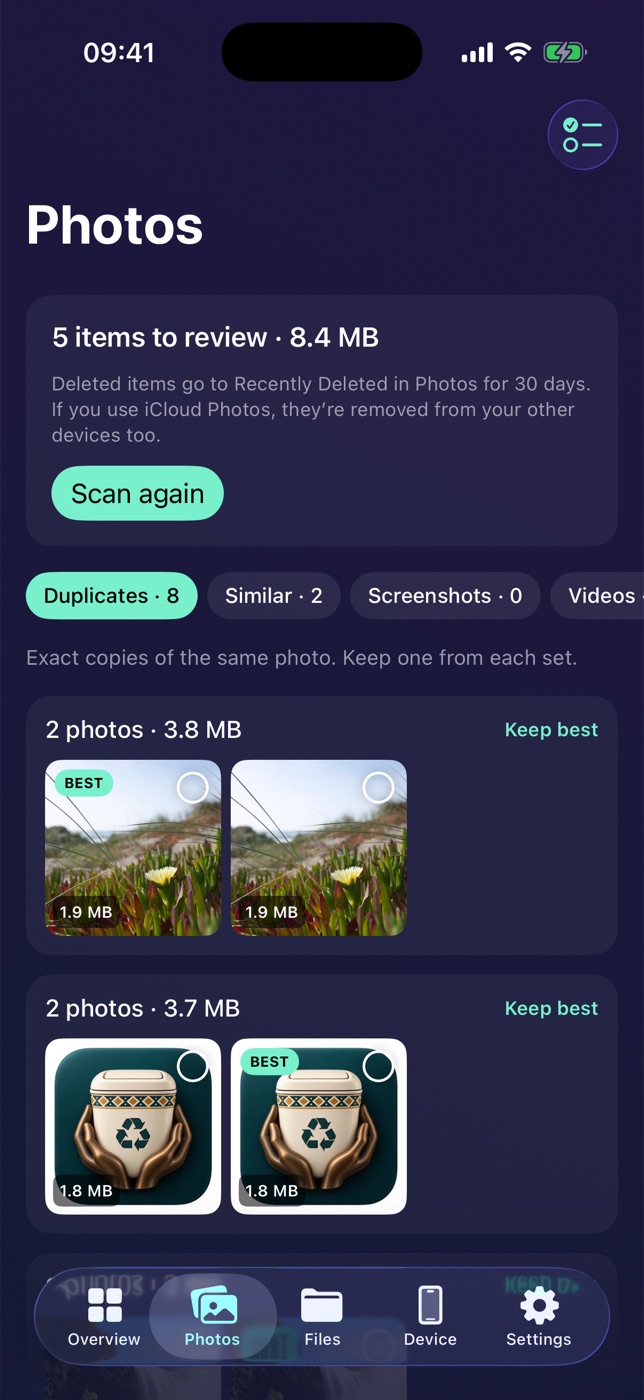
Exact copies grouped, with the best one marked.
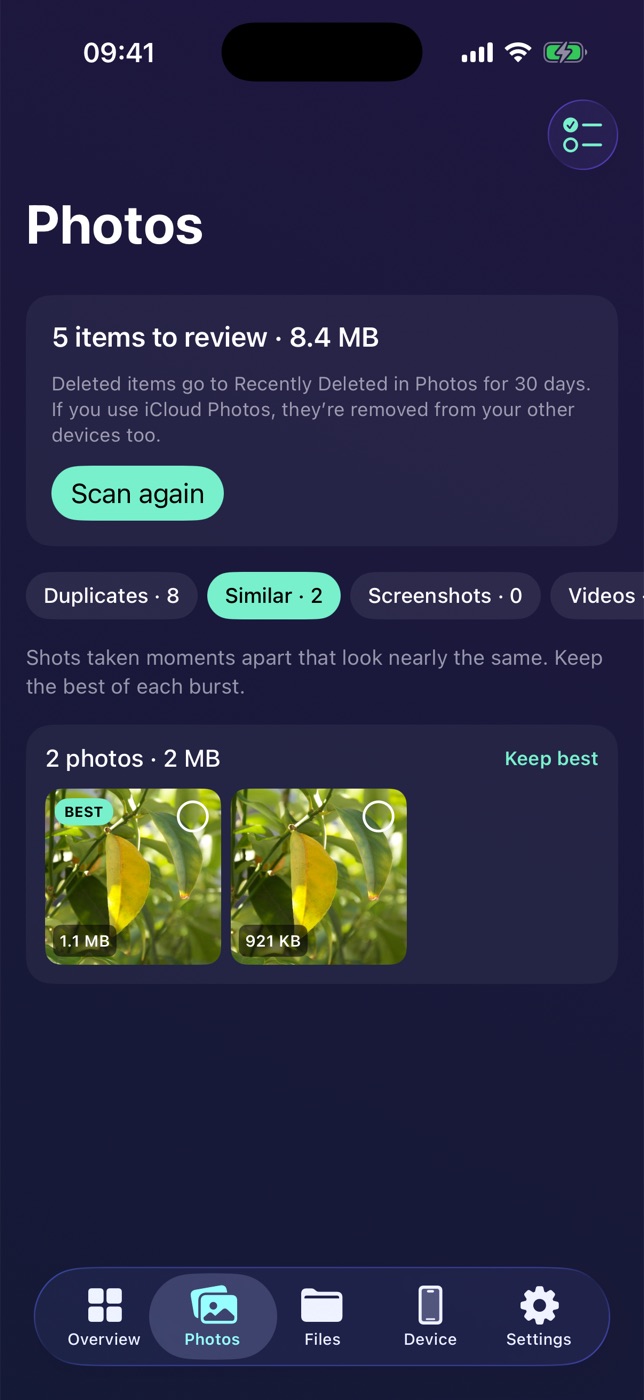
Bursts taken moments apart. Keep the sharpest.
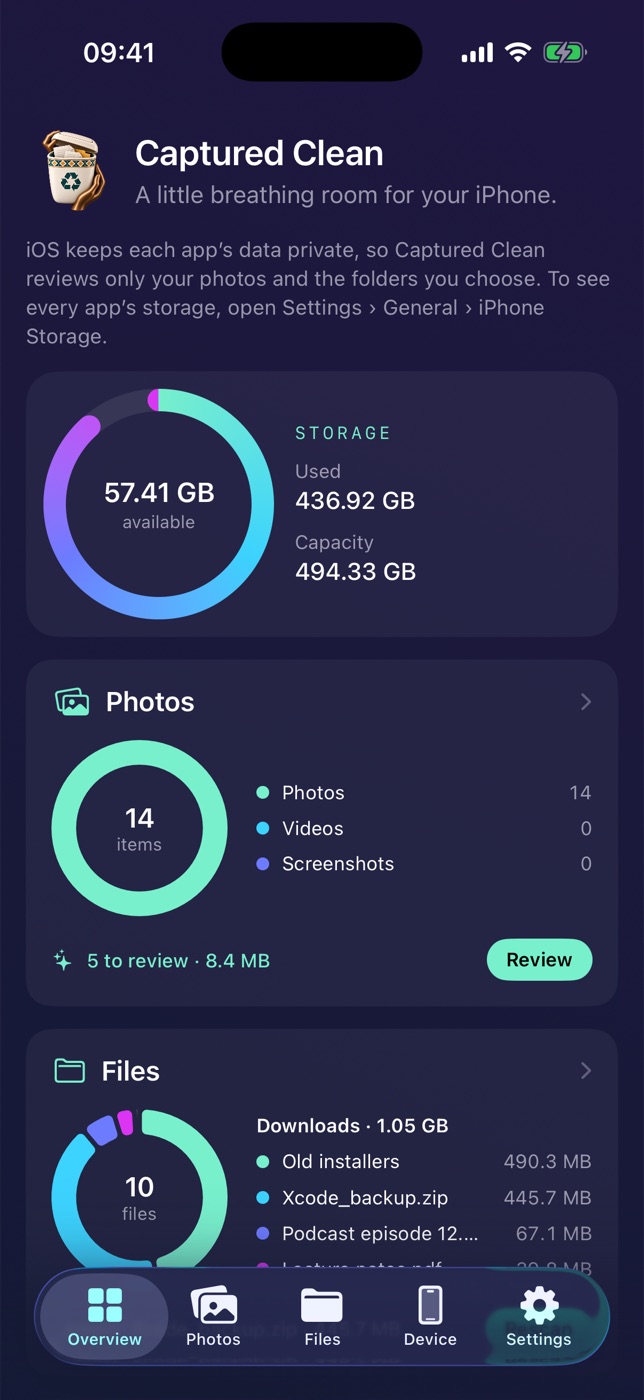
Storage, photos to review and your biggest folders.
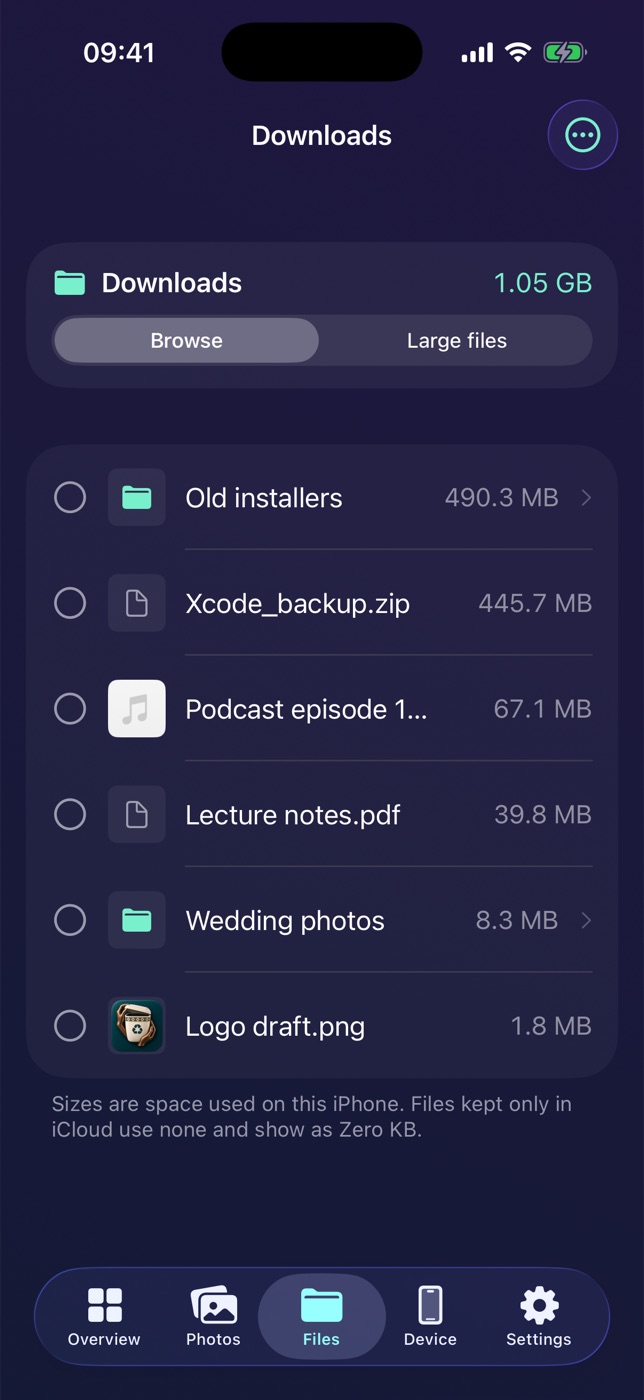
Any folder in Files or iCloud Drive, largest first.
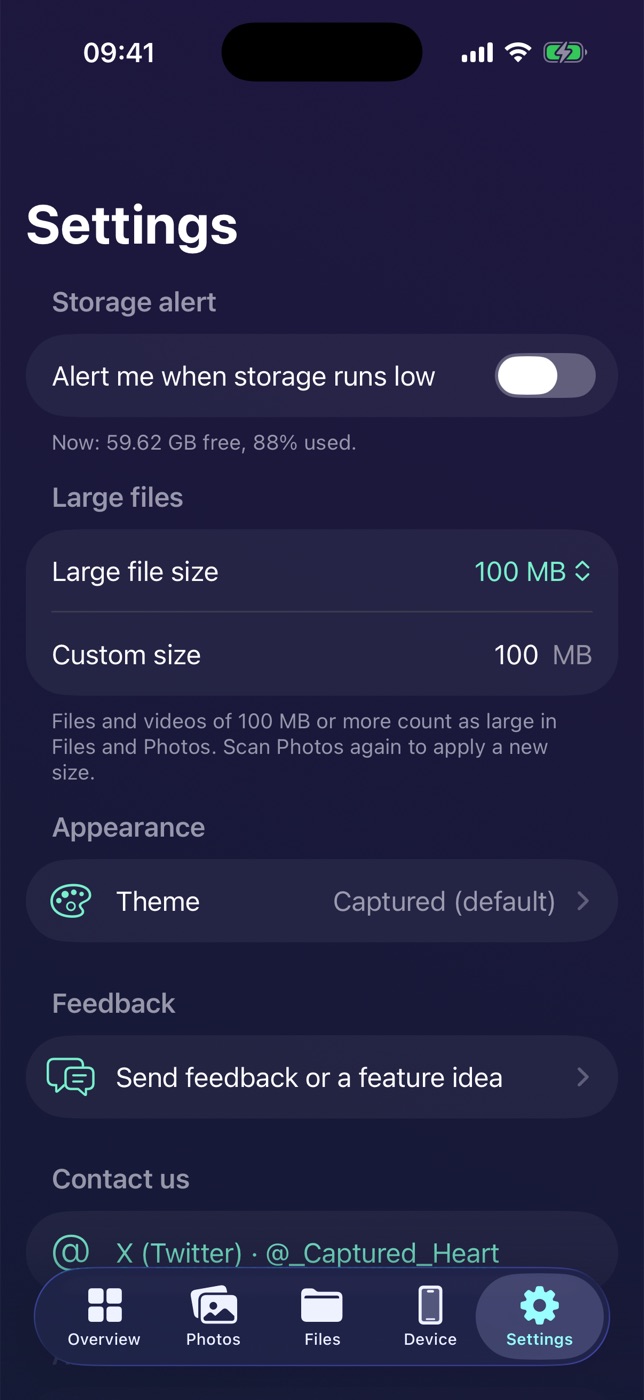
Storage alerts, large-file size and themes.
Every cleanup starts empty. You review exact paths before anything moves.
Mac files go to Trash; photos go to Recently Deleted. Some iPhone file providers require permanent deletion, with an extra confirmation.
File and photo scans run locally. Optional usage statistics and crash reports help improve the app; you can turn them off in Settings.
Never asks for administrator rights and never touches system folders.
Scan, browse and clean on the free plan every month. Upgrade for unlimited cleanup and extra tools on Mac and iPhone.
$0 forever
Everything you need to see what fills your storage.
Get the appMonthly limits reset on the 1st.
$4.99 / month
Flexible. Cancel any time.
Get the appBilled monthly. Renews until canceled.
$29.99 / year
$2.50 a month, billed yearly. Best value.
Get the appFor eligible new subscribers. After the trial, $29.99/year until canceled.
$79.99 once
Pay once. No renewals.
Get the appLaunch price for the first 3 months, then $99.99.
Coming soon. Prices shown in USD; local prices and applicable taxes will be shown before purchase. Choose your plan inside the app when purchases become available.
macOS hides Mail, device backups, the Trash and some app data until you allow it. Without access you still get results, clearly marked as partial.
No. Items move to the Trash and stay there until you empty it, so space is freed when you decide.
Apps and build tools rebuild caches as needed. Quit affected apps first. Xcode archives and device backups are listed but worth keeping if you still need them.
Only your photo library and the folders you choose. iOS keeps other apps' data private, so for per-app sizes open Settings, General, iPhone Storage.
Cross-device Pro access is planned through Sign in with Apple. On iPhone, purchases will be made through the App Store; on Mac, through web checkout opened from the app.
App Store refund requests go through Apple. For Mac purchases, contact us within 14 days of your first payment for a full refund. See our refund policy.
macOS 14 Sonoma or later on Mac, and iOS 17 or later on iPhone.